Latest Gaming Equipment: Gaming PCs That Actually Impress
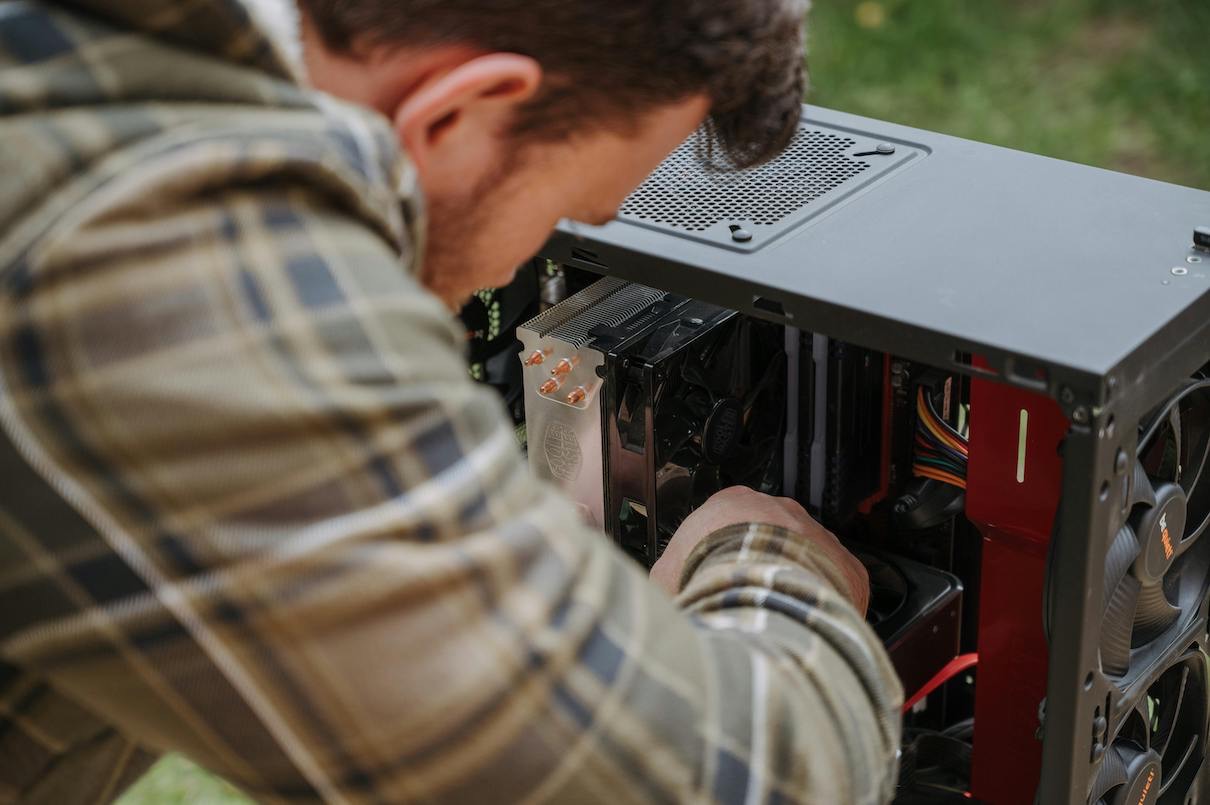
If you haven’t upgraded your gaming setup in a few years, stepping onto a modern PC can feel like a night-and-day difference. Games load in seconds, frame rates stay silky smooth during heavy action, and lighting effects look closer to real life than ever before.
Whether you are looking to build a custom machine from scratch or buy a ready-to-use pre-built, here is an honest look at what hardware actually makes a difference in modern PC gaming.
What Actually Drives Gaming Performance?
When shopping for a gaming PC, it is easy to get lost in technical jargon. In practice, three primary components determine how well your games will run:
- The Graphics Card (GPU): This is the heart of any gaming rig. NVIDIA RTX and AMD Radeon GPUs handle rendering, ray tracing, and high-resolution textures. If you want to play at 1440p or 4K resolution, invest the bulk of your budget here.
- The Processor (CPU): Intel Core and AMD Ryzen chips act as the brain of the computer. A weak processor creates a bottleneck, causing stuttering and frame drops even if you have an expensive graphics card.
- Storage and Memory (SSD & RAM): Traditional hard drives are obsolete for modern gaming. Solid State Drives (SSDs) are essential for fast boot times and seamless world loading. Pair your SSD with at least 16GB of RAM (or 32GB if you like to stream or keep browser tabs open while gaming).
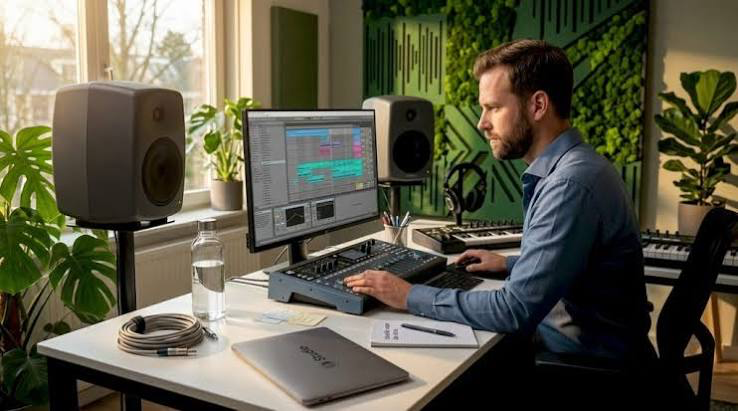
Essential Gear to Match Your PC
- A powerful desktop is only half the equation. The gear on your desk dictates how you experience that hardware:
| Gear | What to Look For | Why It Matters |
| Monitor | 1440p resolution, 144Hz+ refresh rate, 1ms response time | A fast GPU is wasted on a standard 60Hz screen. High refresh rates make movement feel fluid and give you a competitive edge in shooters. |
| Peripherals | Mechanical keyboard, lightweight optical mouse | Tactile mechanical switches offer instant feedback, while precision mouse sensors ensure your aim stays consistent. |
| Audio | Over-ear headset with directional sound | Precise audio positioning lets you hear enemy footsteps and environmental cues long before they appear on your screen. |
Tips for Getting the Right Setup
4 Smart Buying Tips Before You Spend
- Set a Realistic Target: You don’t need a $3,000 system to enjoy modern games. High-value mid-range builds handle almost every new title smoothly at 1080p or 1440p settings.
- Pre-Built vs. Custom: Pre-built PCs come with full warranties and zero setup hassle. Building your own takes a bit of time, but allows you to pick higher-quality individual components (like better power supplies and quiet cooling systems).
- Plan for Future Upgrades: Choose a spacious case and a reliable motherboard. Leaving room for a larger graphics card or extra storage drives down the road will save you from needing a whole new machine in three years.
- Don’t Forget Ergonomics: High-end performance means nothing if your back hurts after an hour. A supportive chair, correct desk height, and organized cables make long sessions far more enjoyable.
Summary: Bringing It All Together
Modern PC gaming is about creating a balanced, immersive experience rather than just chasing benchmark scores. By pairing reliable core components with a fast monitor, responsive accessories, and an ergonomic desk setup, you get a system that stays fast, smooth, and enjoyable to use for years to come. Once you feel how responsive a properly tuned rig is, you will never want to go back to an outdated setup.
Related Post